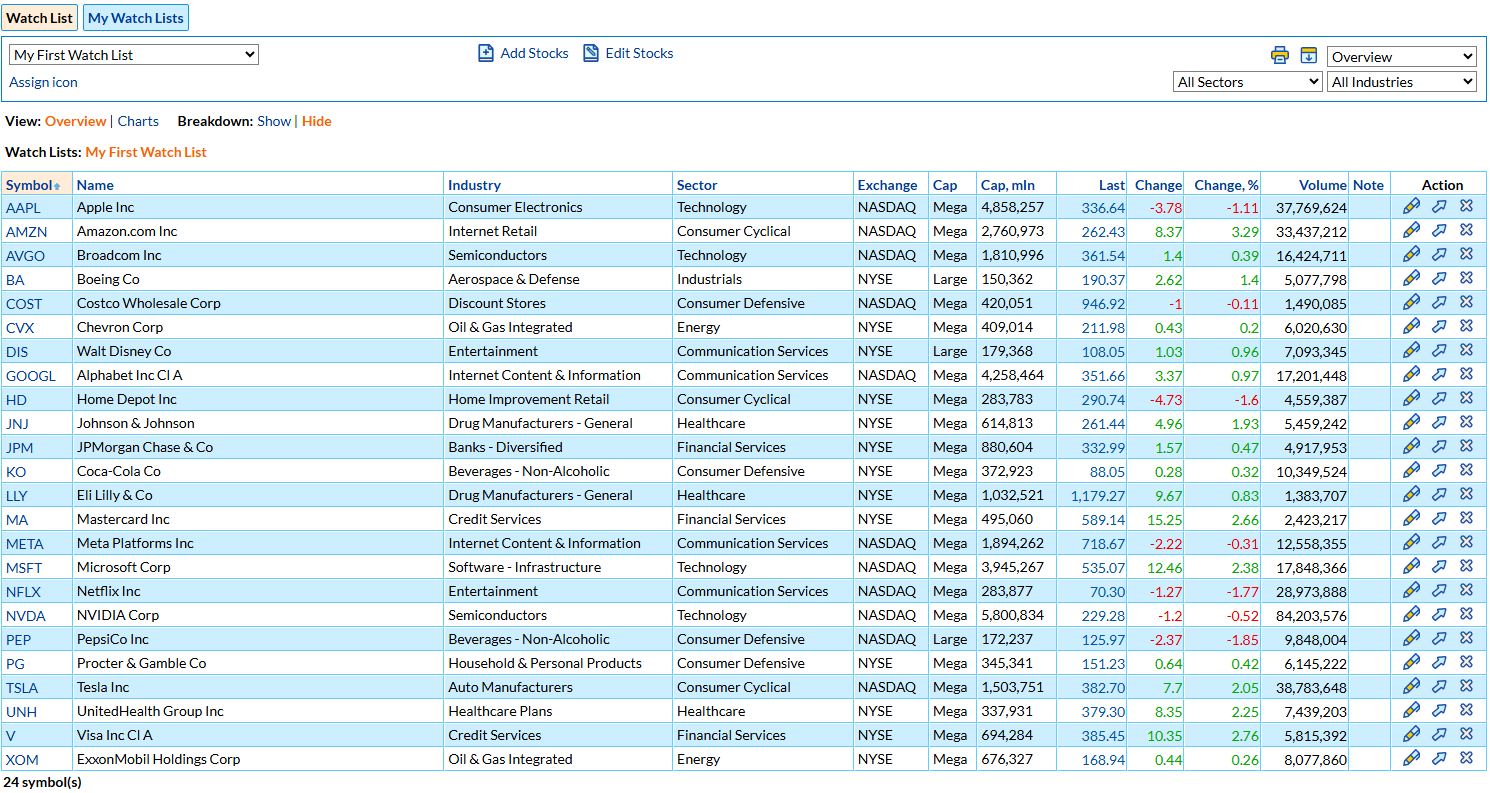
A stock watch list is a list of stocks you follow but may not own yet. It shows their latest prices and changes in one place, so you can track your trade ideas and spot the right moment to buy or sell.
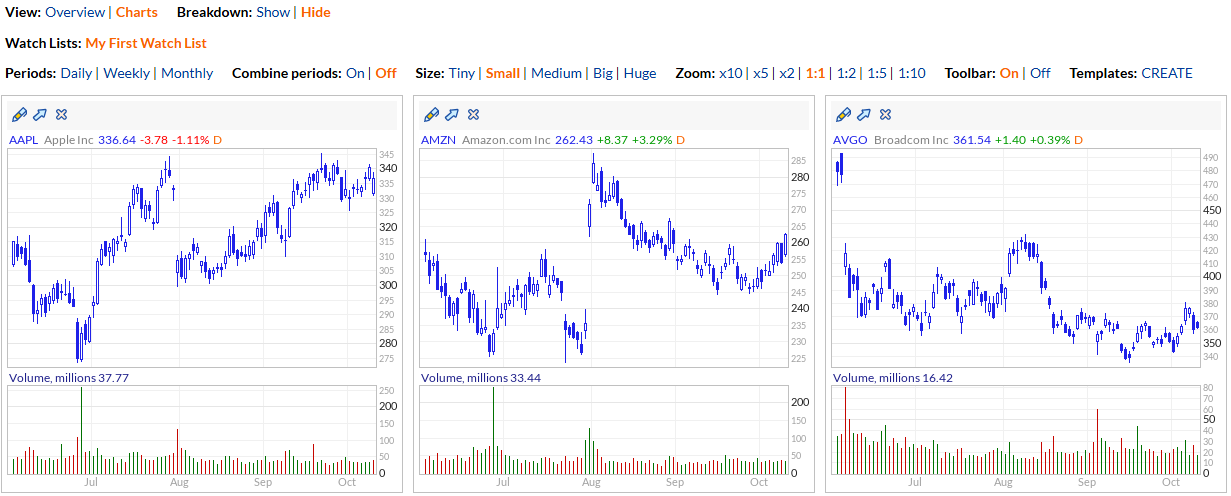
Type or paste the symbols in Add Stocks, separated by commas or spaces. You can also add stocks from the Stock Screener results: click a ticker in the Charts view, or add all the listed stocks to a watch list at once.
Stocks and ETFs from more than 40 exchanges, including NYSE, Nasdaq, the London Stock Exchange and the Toronto Stock Exchange. Stocks outside the US are added with an exchange suffix, such as VOD.L for London or TD.TO for Toronto.
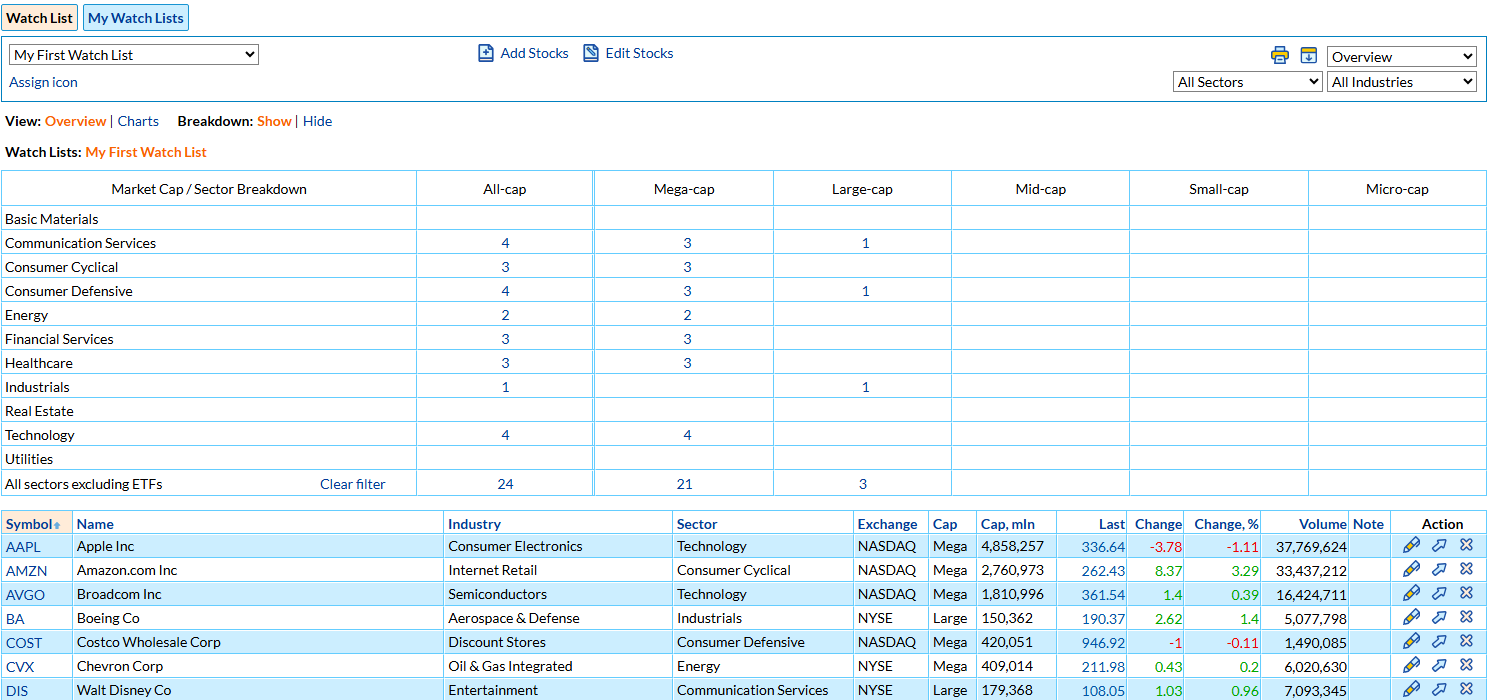
Eleven views of the same list: Overview, Charts, Industry, Fundamental, Technical, Price Performance, Financial Ratios, Relative Strength, Financial Strength, Dividend and Timestamp. Sort by any column, filter by sector or industry, and show a breakdown by sector, industry and market cap.
Yes. In the Formula Screener, put the name of the watch list in square brackets and add your conditions, for example [my ideas] and rsi(14) ca 30. Save the screen with an e-mail, SMS or Telegram alert, and you get a message when a stock from the list matches.
Yes. Export any view of the watch list to a CSV file that opens in Excel or Google Sheets, or open a printer-friendly version of the list.
You can use watch lists during the 7-day free trial. To keep your watch lists after the trial, you need a paid membership.